The Notes page of the Ingredient Dialog (see diagram below) lets you enter or edit any miscellaneous notes on the current ingredient.
Each of the fields within this page is discussed in detail below.
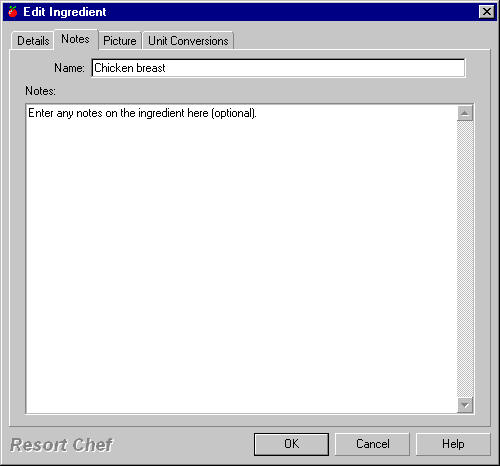
Name
This is where you enter the name of your ingredient. See the Ingredient dialog - General Details page topic for more information on this field.
Notes
This field provides a convenient location to enter any miscellaneous notes on an ingredient. These notes may be reminders on special preparation techniques required for the ingredient or reminders on purchasing policy, or just about anything for that matter.
•Ingredient dialog - General Details page •Ingredient dialog - Picture page •Ingredient dialog - Unit Conversions page
|
•How do I create an ingredient?
|

